HR & payroll · Built for Kenya
People matter.
So does payday.
The new hire. The shift change. The salary that needs to be right. Bring the work of looking after your team into one considered workspace.
People, payroll and the working day between them.
gross net.
- Monthly gross
- 100,000.00
- NSSF
- −6,000.00
- SHIF
- −2,750.00
- Housing Levy
- −1,500.00
- PAYE after relief
- −19,308.35
- Take-home payKES
- 70,441.65
Illustrative calculation using configured engine defaults. No additional earnings or deductions. Your company settings can differ.
01 / The workspace
A business is built
around its people.
Keep the everyday details connected, from a person's first application to their next review.
Employee records
A place for your people
Keep employment details, documents and reporting lines together. Give employees access to their own records and your HR team the tools to maintain them.
- Employee profiles & documents
- Departments, teams & org charts
- Spreadsheet import
02 / Payroll, in context
Behind every payslip,
a person counting on it.
Review the hours, the earnings and the deductions. Then move through approval with the detail still in view.
Walk through a pay run- 01
Prepare the month
Bring salaries, approved attendance and leave into the calculation.
- 02
Review before approval
Inspect employee breakdowns, skipped records and variance flags.
- 03
Complete, then reconcile
Generate payslips and accounting entries. Follow payment through M-Pesa or your bank-file workflow.
03 / A look inside
See the work take shape.
A recorded tour of payroll, statutory returns, hiring, leave and attendance. Play it when you're ready.
04 / A useful second pair of hands
Ask a question.
Stay close to the source.
Arche AI helps you find records and read company policies. Check the cited excerpts and tool results, and review proposed changes before approving them.
Meet the assistantQuestions to start with
“What does our
leave policy say?”
“Show my latest payslip.”
“Which expense claims are pending?”
Available records and actions depend on your access and company settings.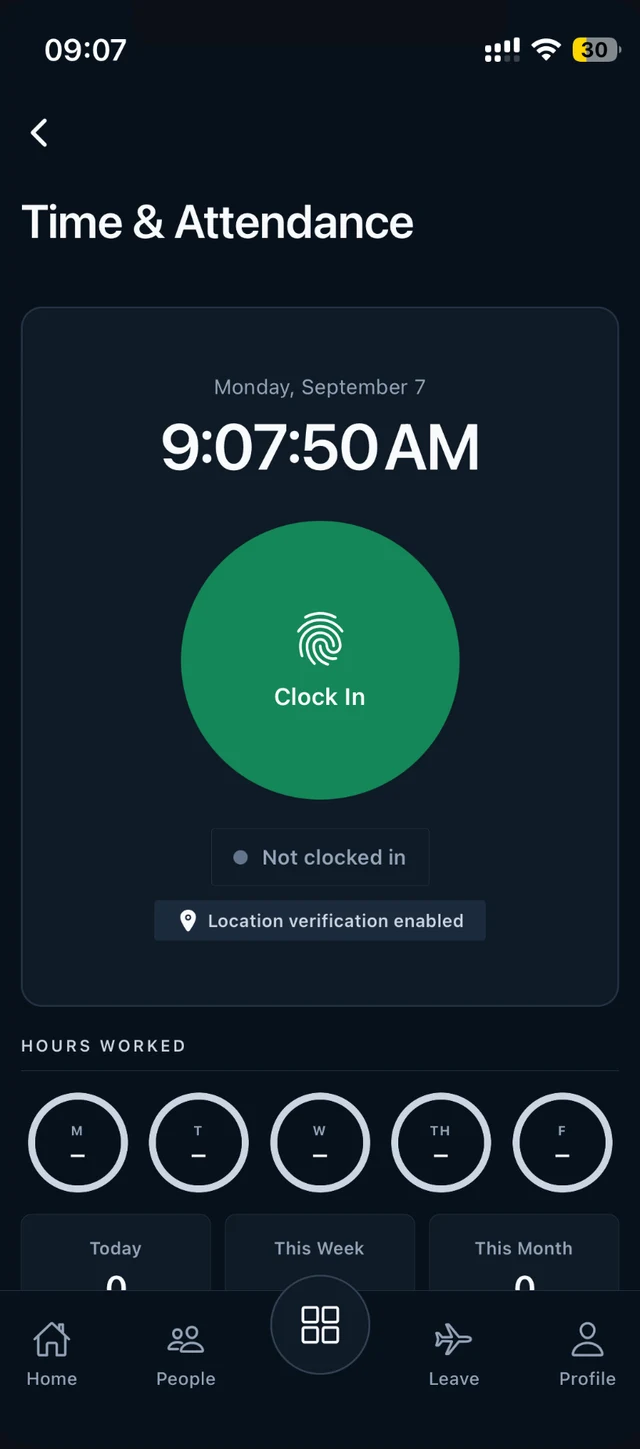 THE WORKDAY GOES WITH YOU
05 / Beyond the desk
For the people
out doing the work.
Clock in, request leave and open your payslips from your phone. Managers can review eligible requests without returning to a laptop.
Explore the mobile app06 / Getting started
Start with your team.
Build from there.
Set the foundations
Create your company workspace, departments and roles. Decide who needs access to what.
Bring your records
Import employee data and review salaries, reporting lines and employment details.
Make the work your own
Configure leave and payroll settings, then review your first workflows with your team.